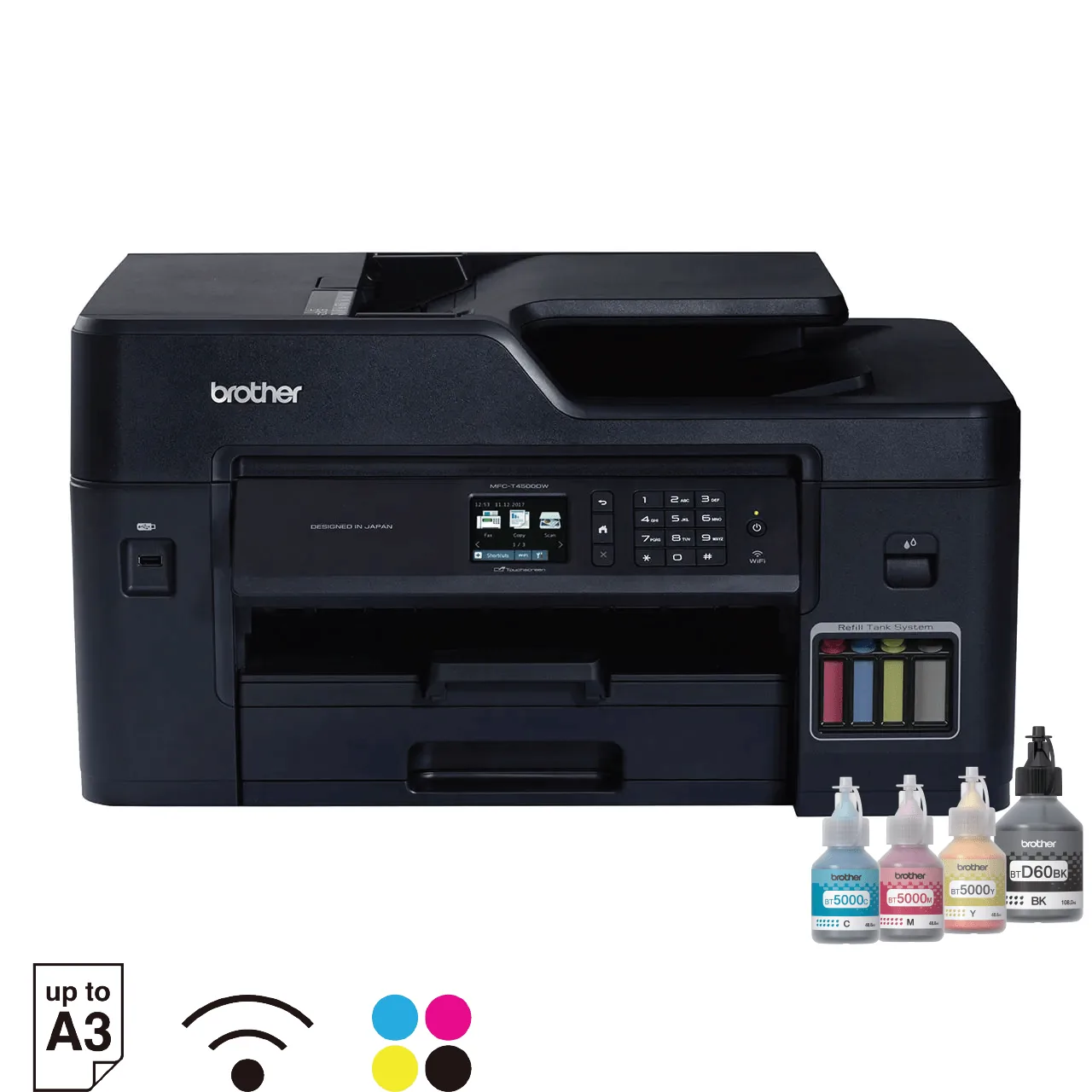
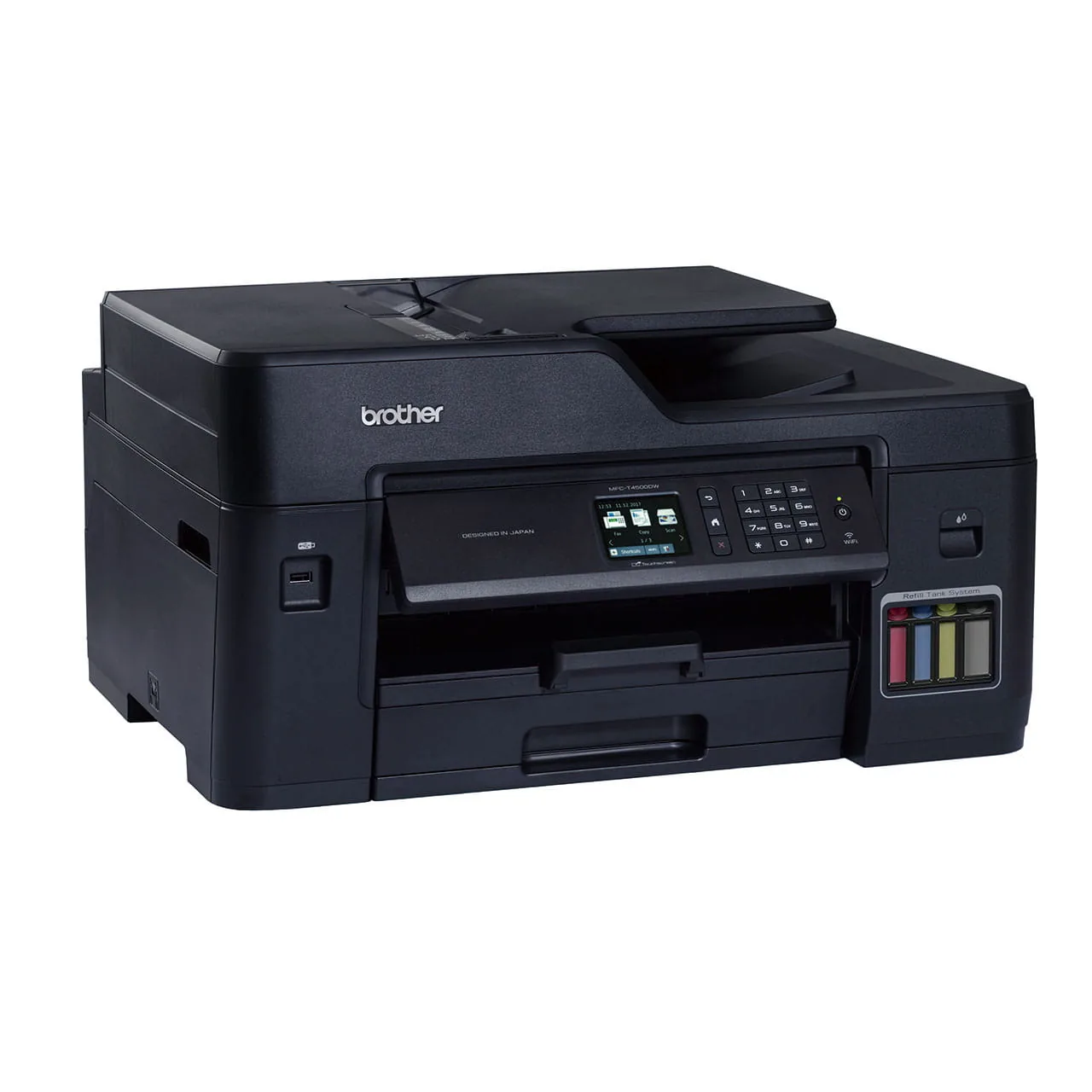
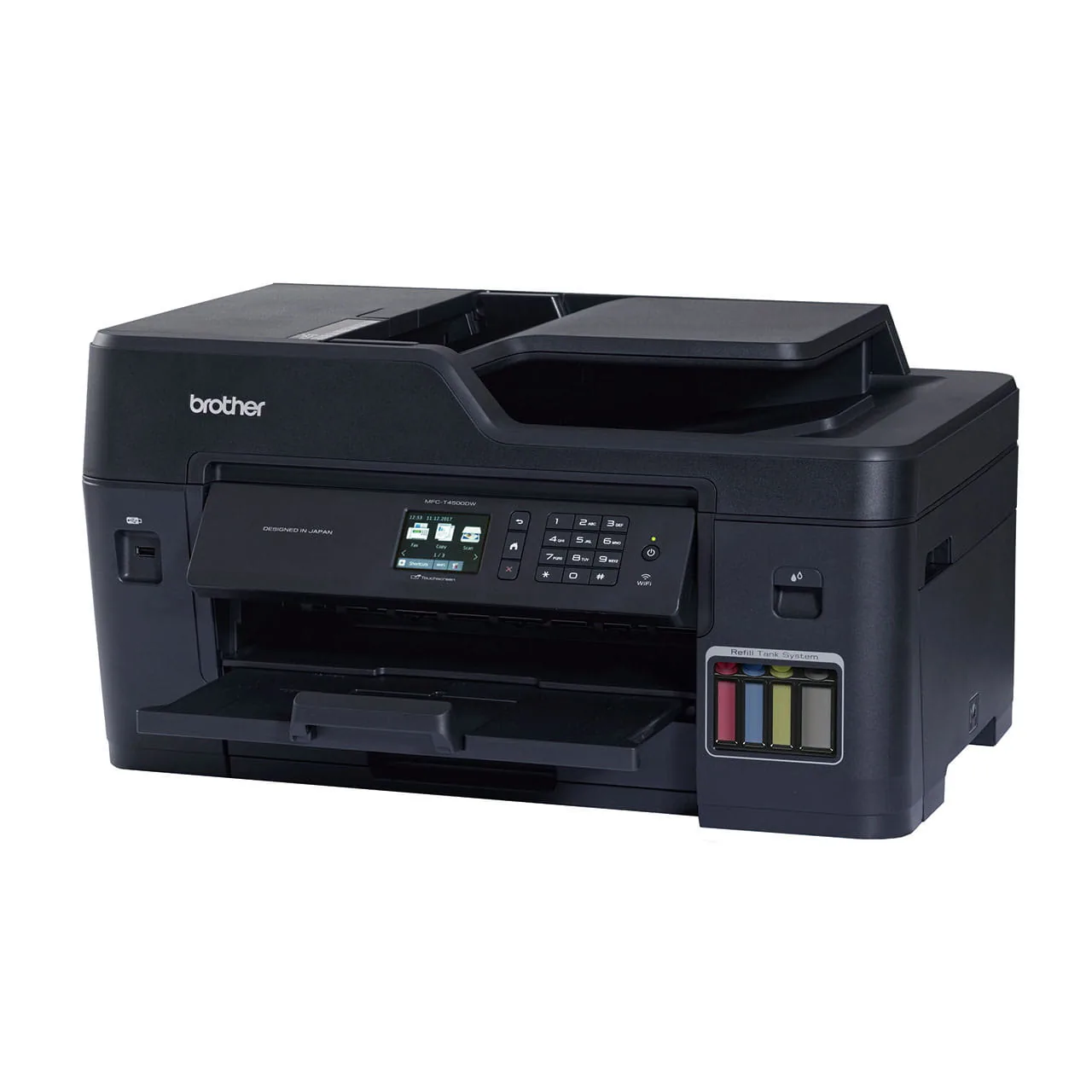

Description
- Functions: A3 print, copy, scan, fax, and direct photo print
- Print speed: Up to 22 ipm mono and 20 ipm colour
- Print resolution: Up to 1,200 x 4,800 dpi
- Duplex printing: Automatic two-sided printing up to A3
- Automatic document feeder: 50 sheets capacity
- Paper input: 250-sheet standard tray plus 100-sheet multi-purpose tray
- Connectivity: Hi-Speed USB 2.0, Ethernet, Wireless LAN, and Wi-Fi Direct
A3 Multi-Function Capability
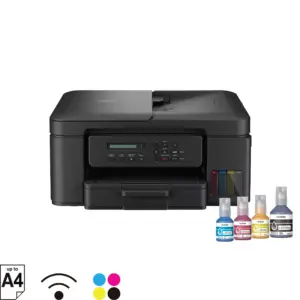
The Brother MFC-T4500DW executes printing, copying, scanning, and faxing up to A3 dimensions from a single desktop chassis. Automatic duplex printing supports media formats up to A3 and Ledger size. The integrated 50-sheet automatic document feeder handles multi-page copying, scanning, and faxing tasks without manual sheet feeding.
Print Performance and Paper Management
Paper capacity comprises a 250-sheet standard tray and a 100-sheet multi-purpose tray for envelopes and alternative media. The machine achieves ISO print speeds of up to 22 ipm for black and 20 ipm for colour, alongside a print resolution reaching 1,200 x 4,800 dpi. Direct USB printing accommodates JPEG images straight from flash memory drives.
Refill Ink Tank System
The built-in refill ink tank system provides page yields of up to 6,500 pages from the black ink bottle and up to 5,000 pages per colour bottle. Transparent front-facing ink tanks allow office personnel to observe remaining ink levels directly during routine use.
Network Integration and Administrative Security
Device connectivity encompasses wired Ethernet, wireless infrastructure mode, and Wi-Fi Direct for mobile access through AirPrint, Mopria, and Brother iPrint&Scan. Administrators can regulate user permissions using Secure Function Lock and Active Directory authentication. A 2.7-inch colour LCD touchscreen paired with a physical keypad provides direct control of machine functions.
Manufacturer Warranty
Warranty terms provide 1 year of on-site service together with 2 years of carry-in coverage, or 100,000 printed pages, whichever occurs first.