
Description
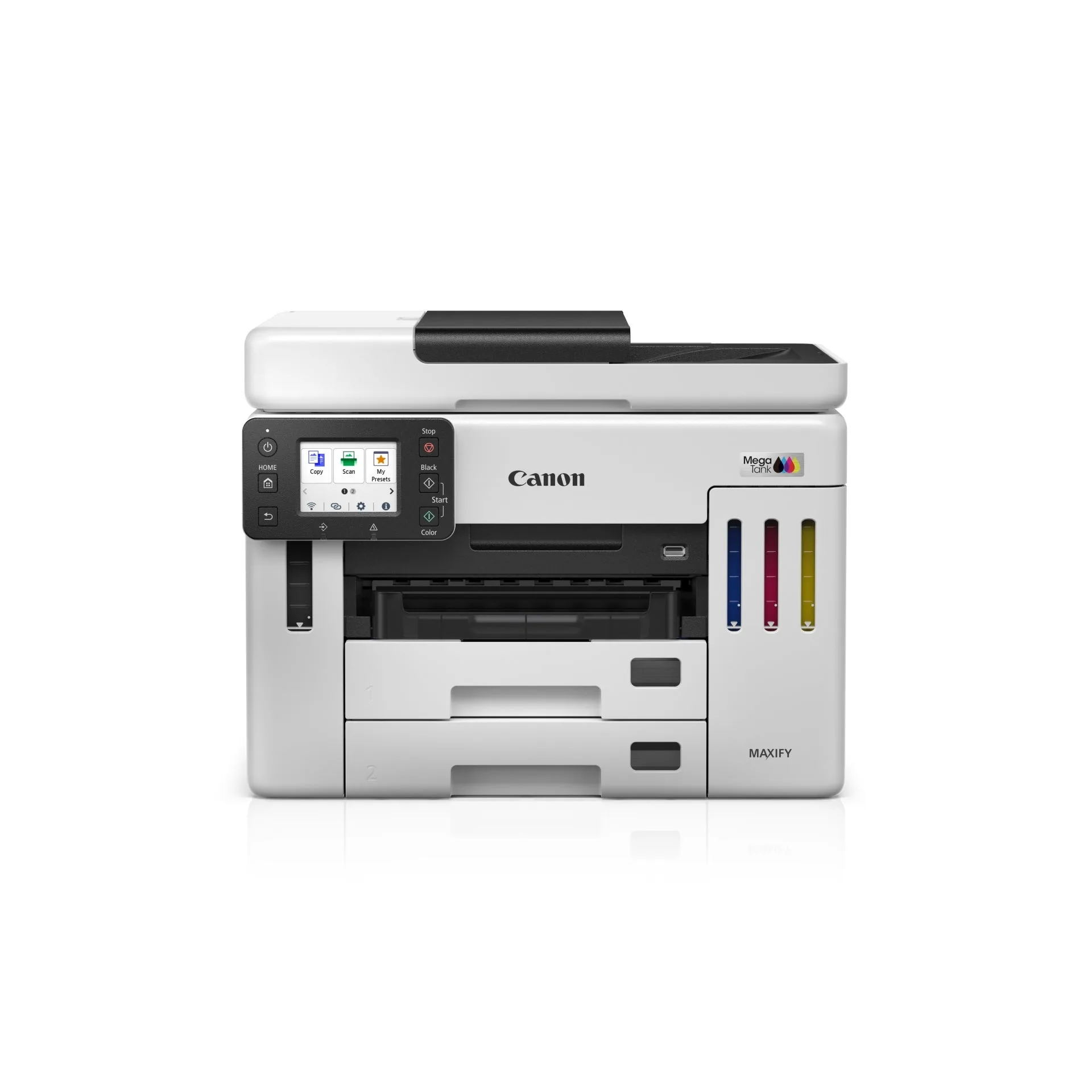
- Functions: Print, scan, copy, and fax
- Print speed: Up to 24.0 ipm mono and 15.5 ipm colour (13.0 ipm mono and 10.0 ipm colour duplex)
- Print resolution: 600 x 1,200 dpi with 4,352 print head nozzles
- Paper capacity: 600 sheets total across dual 250-sheet cassettes and a 100-sheet rear tray
- Document feeder: 50-sheet DADF with single-pass two-sided scanning
- Connectivity: Wi-Fi, Ethernet, Wireless Direct, USB 2.0, and USB memory port
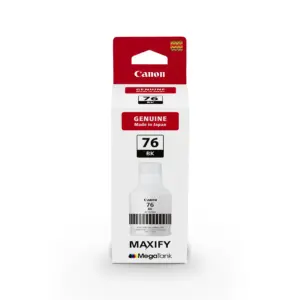
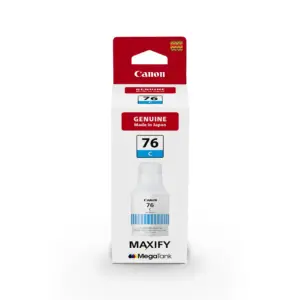
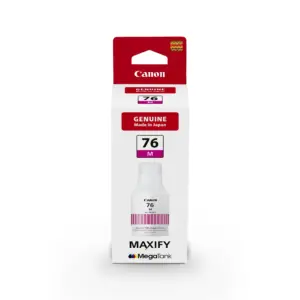
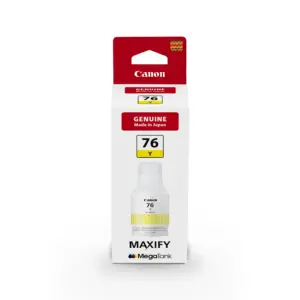
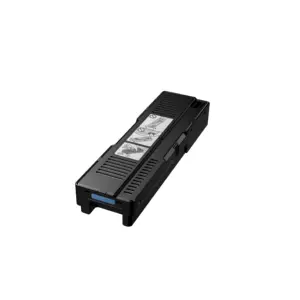
- Ink system: GI-76 pigment inks with replaceable MC-G01 maintenance cartridge
Pigment Inks
The Canon MAXIFY GX7170 utilises four GI-76 all-pigment ink bottles engineered for marker, fade, and water resistance. In economy mode, page yields reach up to 9,000 monochrome pages and 21,000 colour pages. The device accommodates monthly print volumes between 300 and 2,500 pages, backed by a duty cycle of up to 45,000 pages per month.
Paper Handling and Automated Scanning
Media management features a 600-sheet total input capacity, divided between dual 250-sheet front cassettes and a 100-sheet rear feeder. Double-sided printing is automatic for A4 and Letter sizes. For multi-page digitisation, the 50-sheet Auto Document Feeder conducts single-pass two-sided scanning at up to 1,200 x 1,200 dpi optical resolution.
Faxing and Network Integration
Equipped with a 33.6 kbps Super G3 fax modem, the machine stores up to 250 pages in memory and maintains 100 coded speed-dial locations. Built-in network connectivity includes wired LAN, 2.4 GHz Wi-Fi, and Wireless Direct, supporting direct scan-to-folder and fax-to-folder routing alongside WPA3-SAE security protocols.
Device Interface and Maintenance
A 2.7-inch colour touchscreen provides direct access to administrative controls and cloud printing services. Routine upkeep is supported by a user-replaceable MC-G01 ink maintenance cartridge, helping prevent extended device downtime.
Warranty and Registration
The printer comes with a 2-year on-site warranty or a 50,000-page limit, whichever comes first. To validate warranty coverage, customers must register the machine online at https://ylwc.canon.com.my within 14 days of purchase.