Authorised office equipment supplier · Klang Valley, Malaysia

Epson · Inkjet Printer

Epson EcoTank L4360 A4 Wi-Fi Duplex All-in-One Ink Tank Printer

Confirm availability

RM855.00

Epson EcoTank L4360 colour ink tank printer. Print, Scan, Copy. Up to 15.0 / 8.0 ipm (black / colour; A4 ISO 24734 simplex). USB 2.0; Wi-Fi IEEE 802.11b/g/n, Wi-Fi Direct. Confirm availability and Malaysia warranty before ordering.

Please confirm availability with us before ordering.

Ask about this on WhatsApp
SKU: C11CL41502 Category: Tags: ,
logo epson 768x768
  • Serviced in-house in Puchong — no overseas repairs
  • Business invoicing & bulk pricing available

Description

Epson EcoTank L4360 ink tank printer

The Epson EcoTank L4360 is an ink-tank printer with colour output and a4 printing, designed for home, study and office documents. Its print, scan, copy functions and USB 2.0; Wi-Fi IEEE 802.11b/g/n, Wi-Fi Direct connections help you choose a printer that fits your workflow.

WOW Supplies in Puchong, Selangor supplies office equipment for customers in Malaysia. Use model L4360 and product code C11CL41502 when checking availability, delivery, compatible ink and the applicable Malaysia warranty.

Features

  • Functions: Print, Scan, Copy.
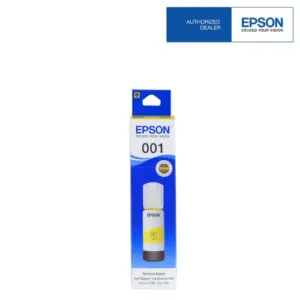
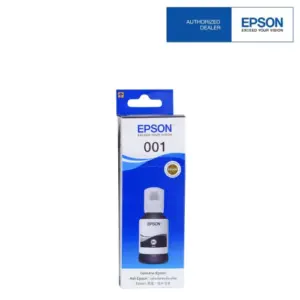
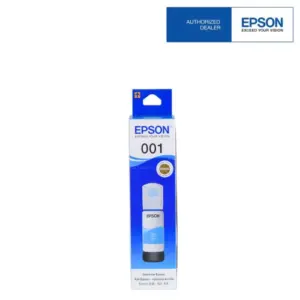
  • Refillable ink system: Pigment black with dye colours in a built-in tank system; use the matching 001 ink bottles.
  • Document performance: Up to 15.0 / 8.0 ipm (black / colour; A4 ISO 24734 simplex).
  • Connection options: USB 2.0; Wi-Fi IEEE 802.11b/g/n, Wi-Fi Direct.
  • Two-sided printing: Automatic duplex printing: Yes.
  • Paper handling: Input Capacity: 100 sheets of A4 Plain Paper (80g/m² ) 20 sheets of Premium Glossy Photo Paper Output Capacity: 30 sheets of A4 Plain Paper (80g/m² ) 20 sheets of Premium Glossy Photo Paper.
  • Scanning detail: Optical scan resolution: 1,200 x 2,400 dpi.
  • Control panel: 1.44” Colour LCD Screen.

Specifications

Brand / model Epson EcoTank L4360
Product code / SKU C11CL41502
Functions Print, Scan, Copy
Print format A4 printing
Ink system Pigment black with dye colours
A4 document print speed Up to 15.0 / 8.0 ipm (black / colour; A4 ISO 24734 simplex)
Maximum print resolution 4,800 x 1,200 dpi (with Variable-Sized Droplet Technology)
Connectivity USB 2.0; Wi-Fi IEEE 802.11b/g/n, Wi-Fi Direct
Automatic duplex printing Yes
Ink bottle series 001
Paper capacity Input Capacity: 100 sheets of A4 Plain Paper (80g/m² ) 20 sheets of Premium Glossy Photo Paper Output Capacity: 30 sheets of A4 Plain Paper (80g/m² ) 20 sheets of Premium Glossy Photo Paper
Optical scan resolution 1,200 x 2,400 dpi
Display 1.44” Colour LCD Screen

See Additional Information for the complete technical specifications, paper handling, consumables and electrical details. Print speeds and ink yields depend on test conditions and actual use.

Ink, paper and everyday use

Use Epson 001 ink bottles specified for the L4360. Match paper size, media type and driver settings to the job. For document printing, the ISO speed rating is a better comparison than the faster draft-mode rating.

Published ink yields refer to the specified replacement ink bottles and testing methodology. Initial setup uses part of the supplied ink, and real yields vary with page coverage, print settings, usage frequency and maintenance.

Ordering in Malaysia

Confirm current stock, delivery arrangements and applicable warranty with WOW Supplies before placing an order. Warranty duration, page limits, registration requirements and service type depend on the exact Malaysian model and Epson terms. Check current drivers for your operating system and the required wireless/network setup.

Enquire with WOW Supplies in Puchong about the Epson EcoTank L4360.

Product views and details
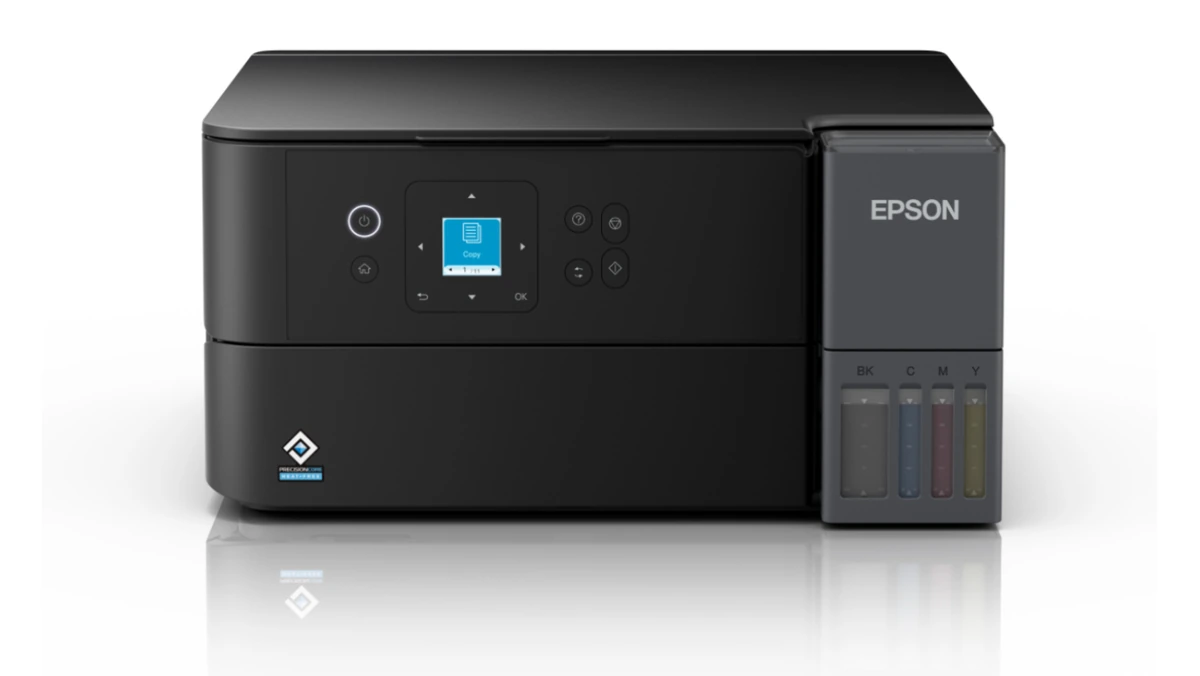
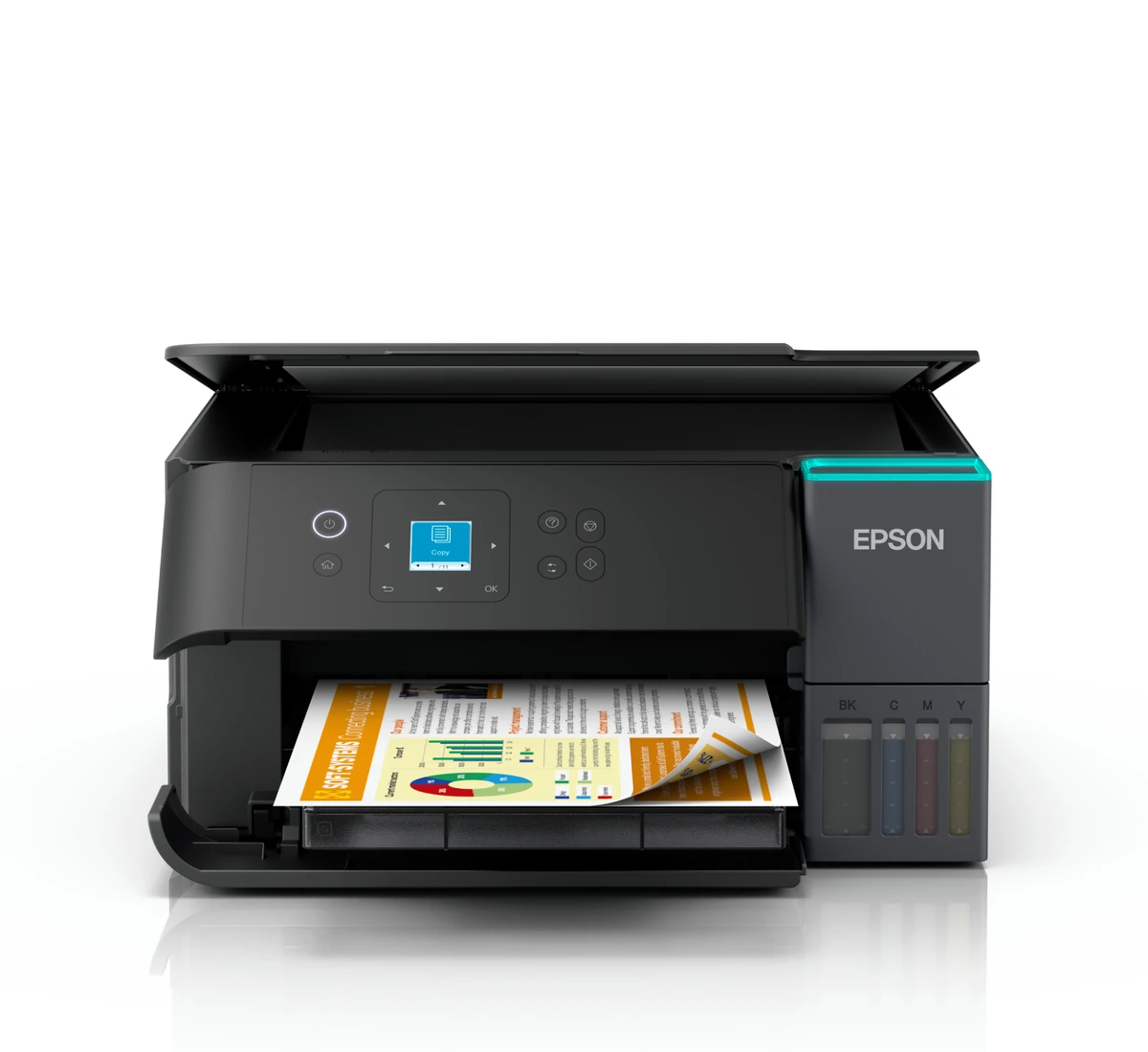
Epson EcoTank L4360 ink tank printer — product view 1
Epson EcoTank L4360 — product view 1
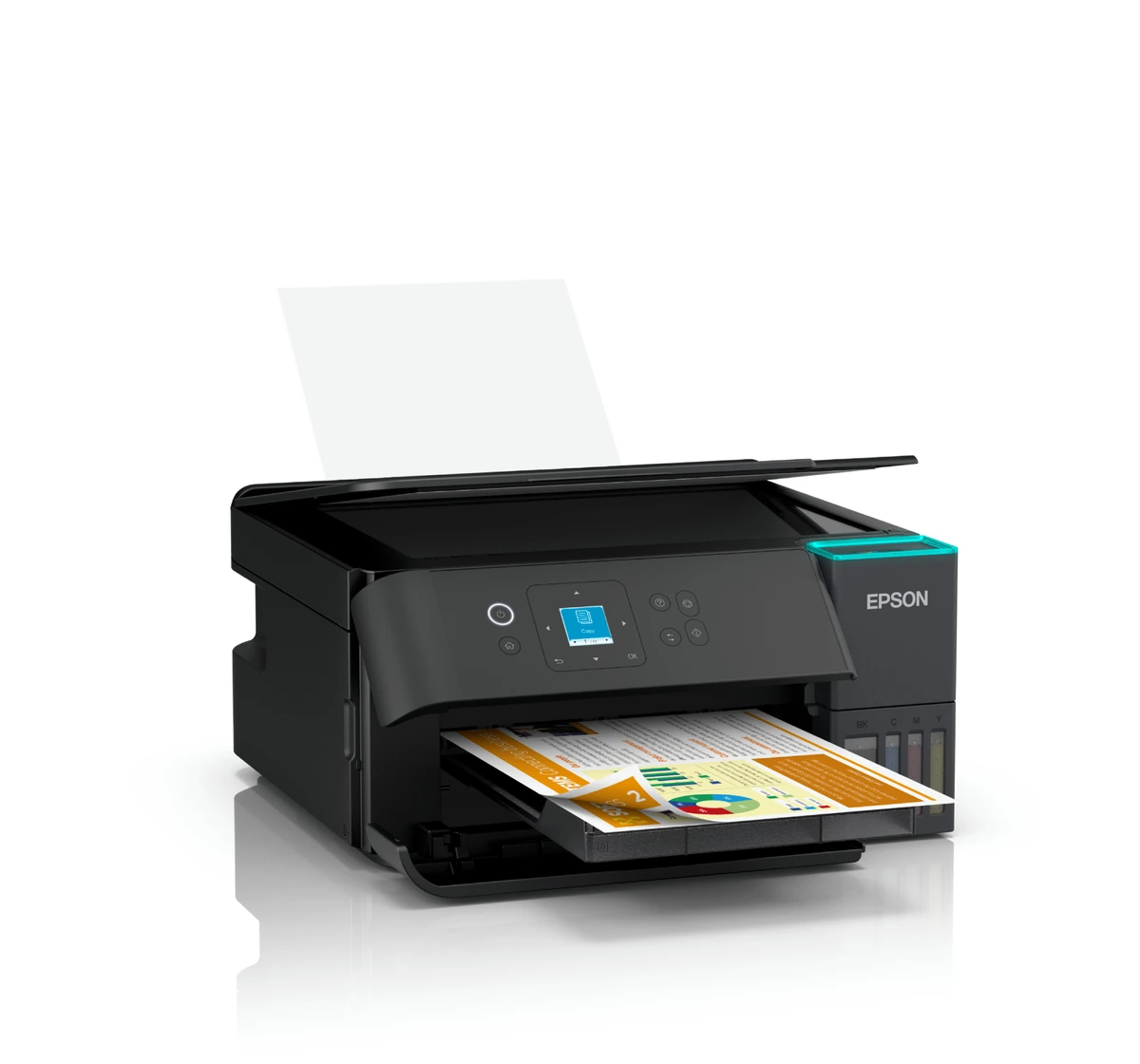
Epson EcoTank L4360 ink tank printer — product view 2
Epson EcoTank L4360 — product view 2
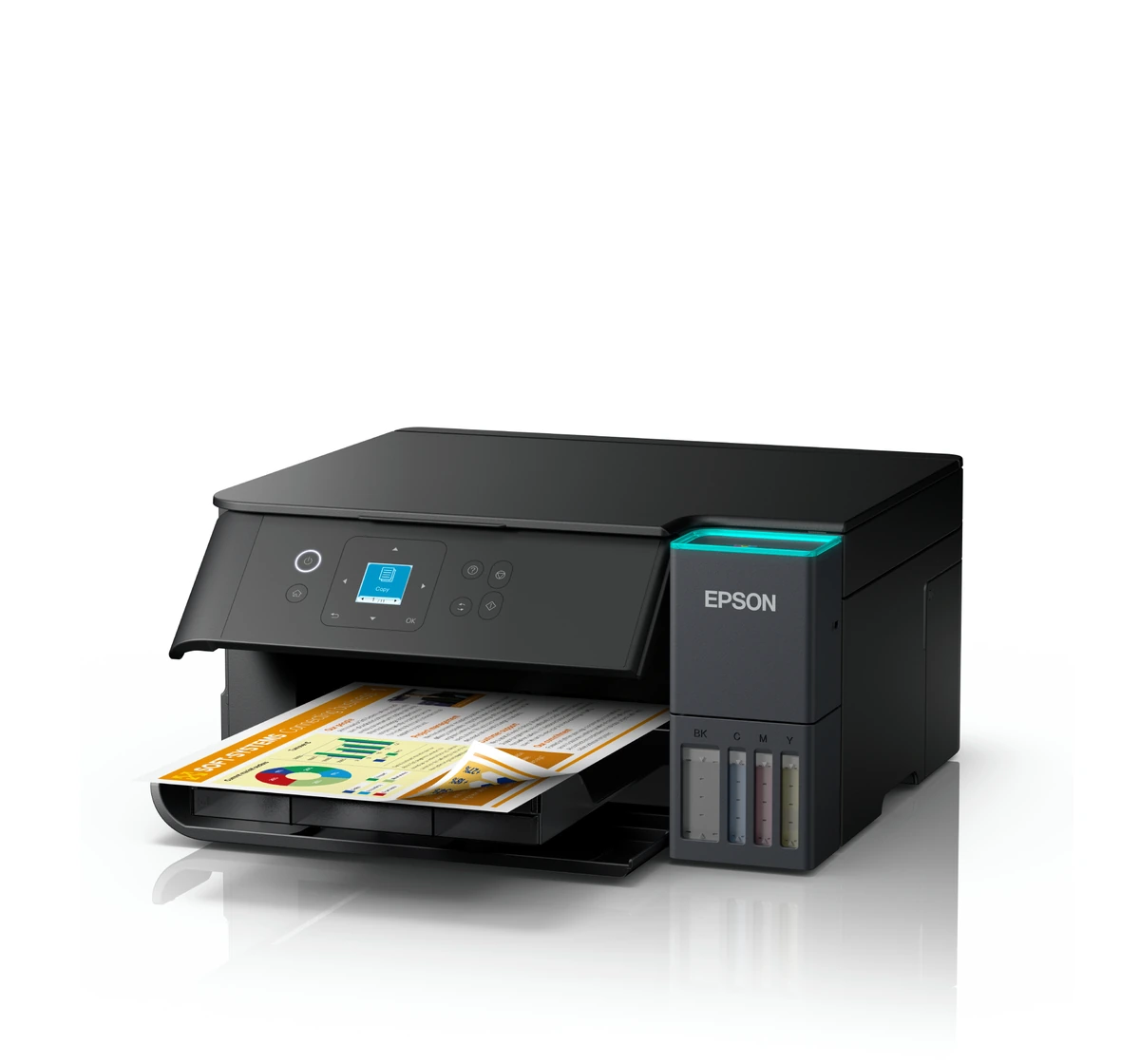
Epson EcoTank L4360 ink tank printer — product view 3
Epson EcoTank L4360 — product view 3
Epson EcoTank L4360 ink tank printer — product view 4
Epson EcoTank L4360 — product view 4

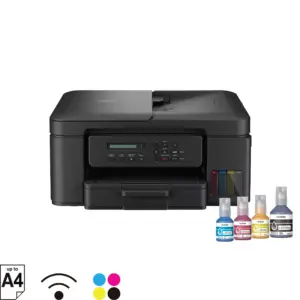
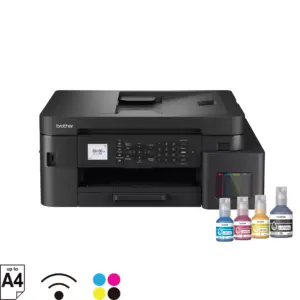
Images show the printer and selected details; pictured paper, ink bottles or accessories do not by themselves confirm the box contents.

Frequently asked questions

What functions does the Epson EcoTank L4360 provide?

Print, Scan, Copy. The printer supports a4 printing. Refer to the scan area and paper-handling specifications for supported document sizes.

Does the Epson EcoTank L4360 support Wi-Fi?

Yes. Its listed connections are USB 2.0; Wi-Fi IEEE 802.11b/g/n, Wi-Fi Direct.

Does the Epson EcoTank L4360 print automatically on both sides?

Yes. Automatic two-sided printing is listed as: Yes.

Which ink bottles does the Epson EcoTank L4360 use?

Use the 001 ink bottle series specified for this model. Use the correct colour-specific bottle. Quoted replacement-bottle yields vary with test conditions, coverage and actual use.

Where can I buy the Epson EcoTank L4360 in Malaysia?

Contact WOW Supplies in Puchong, Selangor with model L4360 and product code C11CL41502 to confirm availability, delivery and the applicable Malaysia warranty.
Additional information

Brand

Epson

Model

L4360

Product Code

C11CL41502

Print Format

A4 printing

Ink System

Pigment black with dye colours

Ink Bottle Series

001

A4 ISO Simplex Print Speed

Up to 15.0 / 8.0 ipm (black / colour; A4 ISO 24734 simplex)

Paper Handling — Paper Feed Method

Friction feed

Paper Handling — Number of Paper Trays

1

Paper Handling — Paper Hold Capacity

Input Capacity: 100 sheets of A4 Plain Paper (80g/m² ) 20 sheets of Premium Glossy Photo Paper Output Capacity: 30 sheets of A4 Plain Paper (80g/m² ) 20 sheets of Premium Glossy Photo Paper

Paper Handling — Support Paper Size

A4, A5, A6, B5, B6, Letter, Legal, Indian-Legal, 100 x 148mm, 3.5 x 5", 4 x 6", 5 x 7", 5 x 8", 8 x 10", 8.5 x 13", 16:9 Wide, 16K, Envelopes: #10, DL, C6

Paper Handling — Maximum Paper Size

215.9 x 1,200 mm (8.5 x 47.24")

Paper Handling — Print Margin

0 mm top, left, right, bottom via custom settings in printer driver

Paper Handling — Supported Paper Weight

Plain Paper: 64 – 90g/m² Photo Paper: 102 – 300g/m²

Supported OS and Applications — Operating System Compatibility

Windows 7 / 8 / 8.1 / 10 / 11 Windows Server 2008 / 2012 / 2016 / 2019 / 2022 Mac OS X 10.9.5 or later, macOS 11 or later

Electrical Specifications — Rated Voltage

AC 220-240 V

Electrical Specifications — Rated Frequency

50 – 60 Hz

Electrical Specifications — Power Consumption

Operating: 13 W Standby: 6.2 W Sleep: 0.6 W Power Off: 0.1 W

Printer Software — Software Solutions Compatibility

Epson Photo+ Epson ScanSmart Epson Device Admin Epson Remote Services

Printer Type — Printer Type

Print, Scan, Copy

Copying — Copy Speed

ISO 29183, A4 (Black / Colour), Flatbed: Up to 11 ipm / 5.5 ipm

Copying — Copy Quality

Standard / High

Copying — Maximum Copies from Standalone

99 copies

Copying — Reduction / Enlargement

25 – 400%

Copying — Maximum Copy Resolution

600 x 600 dpi

Copying — Maximum Copy Size

A4, LTR

Scan Function — Scanner Type

Flatbed colour image scanner

Scan Function — Sensor Type

CIS

Scan Function — Optical Resolution

1,200 x 2,400 dpi

Scan Function — Maximum Scan Area

216 x 297 mm (8.5 x 11.7”)

Scan Function — Scanner Bit Depth (Colour)

Colour: 48-bit input, 24-bit output Grayscale: 16-bit input, 8-bit output Black & White: 16-bit input, 1-bit output

Scan Function — Scan Speed (Flatbed)

Monochrome (200 dpi): Up to 10 sec Colour (200 dpi): Up to 24 sec

Noise Level — PC Printing / Premium Glossy Photo Paper Best Photo

Sound Power (Black / Colour) 5.3 / 5.4 B(A), Sound Pressure (Black / Colour) 40 / 40 dB(A)

Noise Level — PC Printing / Plain Paper Default

Sound Power (Black / Colour) 6.6 / 5.8 B(A), Sound Pressure (Black / Colour) 53 / 45 dB(A)

Interface — USB

USB 2.0

Interface — Network

Wi-Fi IEEE 802.11b/g/n, Wi-Fi Direct

Interface — Network Protocol

TCP/IPv4, TCP/IPv6

Interface — Network Management Protocols

SNMP, HTTP, DHCP, APIPA, PING, DDNS, mDNS, SLP, WSD, LLTD

Interface — Network Printing Protocol

LPD, PORT9100, WSD

Printing — Printing Technology

PrecisionCore Printhead

Printing — Nozzle Configuration

400 x 1 nozzles Black 128 x 1 nozzles per colour (Cyan, Magenta, Yellow)

Printing — Print Direction

Bi-directional printing

Printing — Maximum Resolution

4,800 x 1,200 dpi (with Variable-Sized Droplet Technology)

Printing — Maximum Ink Droplet Volume

3.3 pl

Printing — Printer Language

ESC/P-R

Printing — Automatic 2-Sided Printing

Yes

Printing — Print Speed

Draft Text – Memo, A4 (Black / Colour ): Up to 33 ppm / 20 ppm ISO 24734, A4 (Black / Colour): Simplex: Up to 15.0 ipm / 8.0 ipm, Duplex: Up to 6.5 ipm / 4.5 ipm First Page Out Time (Black / Colour): Simplex: Approx. 9 sec / 15 sec, Duplex: Approx. 17 sec / 25 sec Photo Default – 10 x 15 cm / 4 x 6“ (Border / Borderless): Approx. 60 sec / 82 sec

Control Panel — LCD Screen

1.44” Colour LCD Screen

Mobile and Cloud Printing — Epson Connect

Epson Smart Panel, Epson Email Print, Remote Print Driver

Mobile and Cloud Printing — Driverless Solutions

Apple AirPrint, Mopria Print Service, Chrome OS

Supported Operating Systems — Operating System Compatibility

Windows 7 / 8 / 8.1 / 10 / 11 Windows Server 2008 / 2012 / 2016 / 2019 / 2022 Mac OS X 10.9.5 or later, macOS 11 or later

Consumables — Black Ink Bottle

Page Yield : 8,500 pages Order Code: 001 (C13T03Y100)

Consumables — Cyan Ink Bottle

Page Yield : 6,500 pages (Composite Yield) Order Code: 001 (C13T03Y200)

Consumables — Magenta Ink Bottle

Page Yield : 6,500 pages (Composite Yield) Order Code: 001 (C13T03Y300)

Consumables — Yellow Ink Bottle

Page Yield : 6,500 pages (Composite Yield) Order Code: 001 (C13T03Y400)

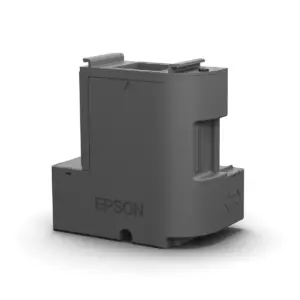
Consumables — Maintenance Box

C13T04D100

Performance and Ink-Yield Notes

Manufacturer ratings depend on specified media and test methods. Replacement bottle yields differ from initial setup yields; actual results vary with document coverage, settings, use and maintenance.

Warranty and Driver Guidance

Confirm applicable Malaysia warranty terms, registration requirements and current driver availability for the exact model.

Brand

Epson

logo epson 768x768