
Description
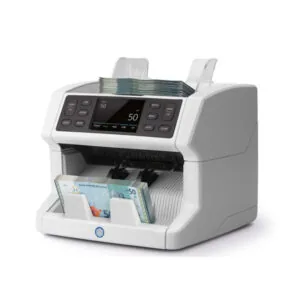
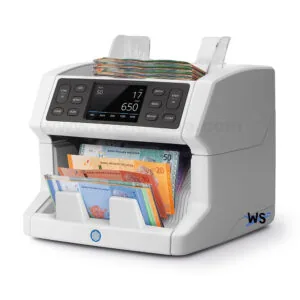
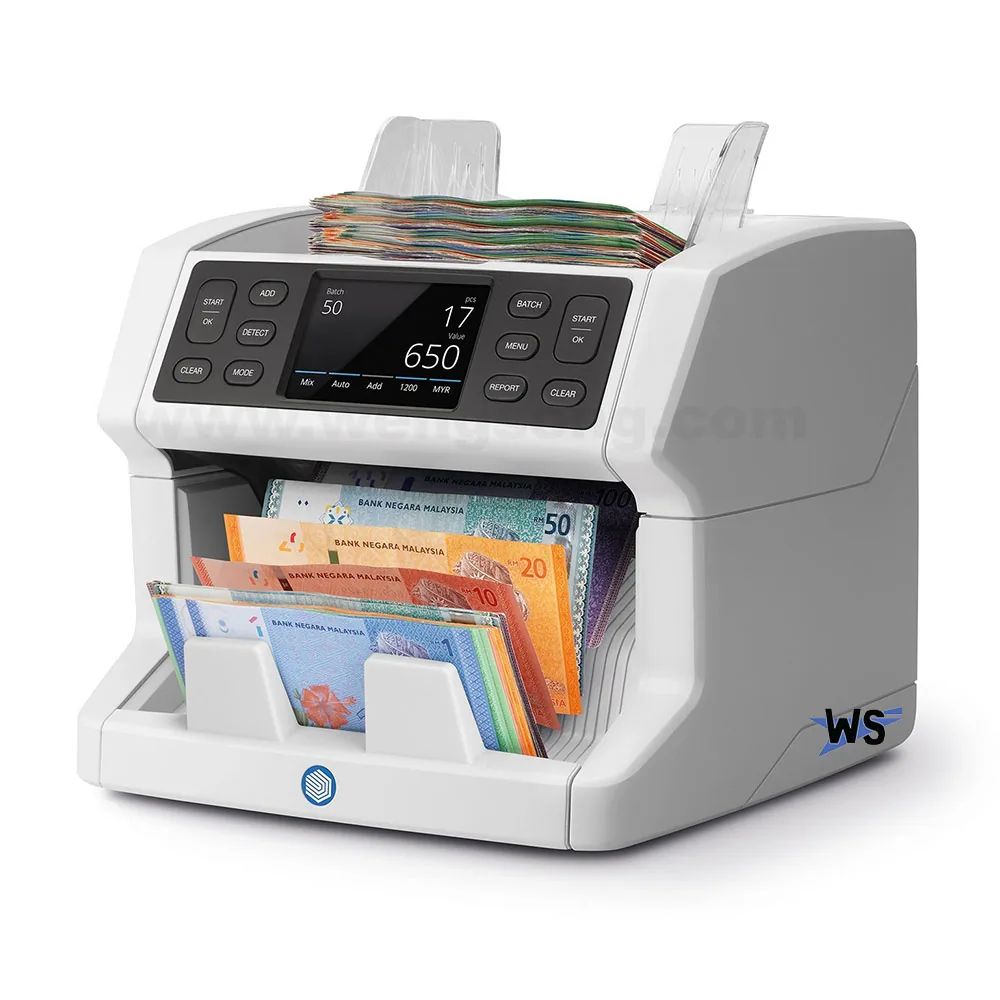
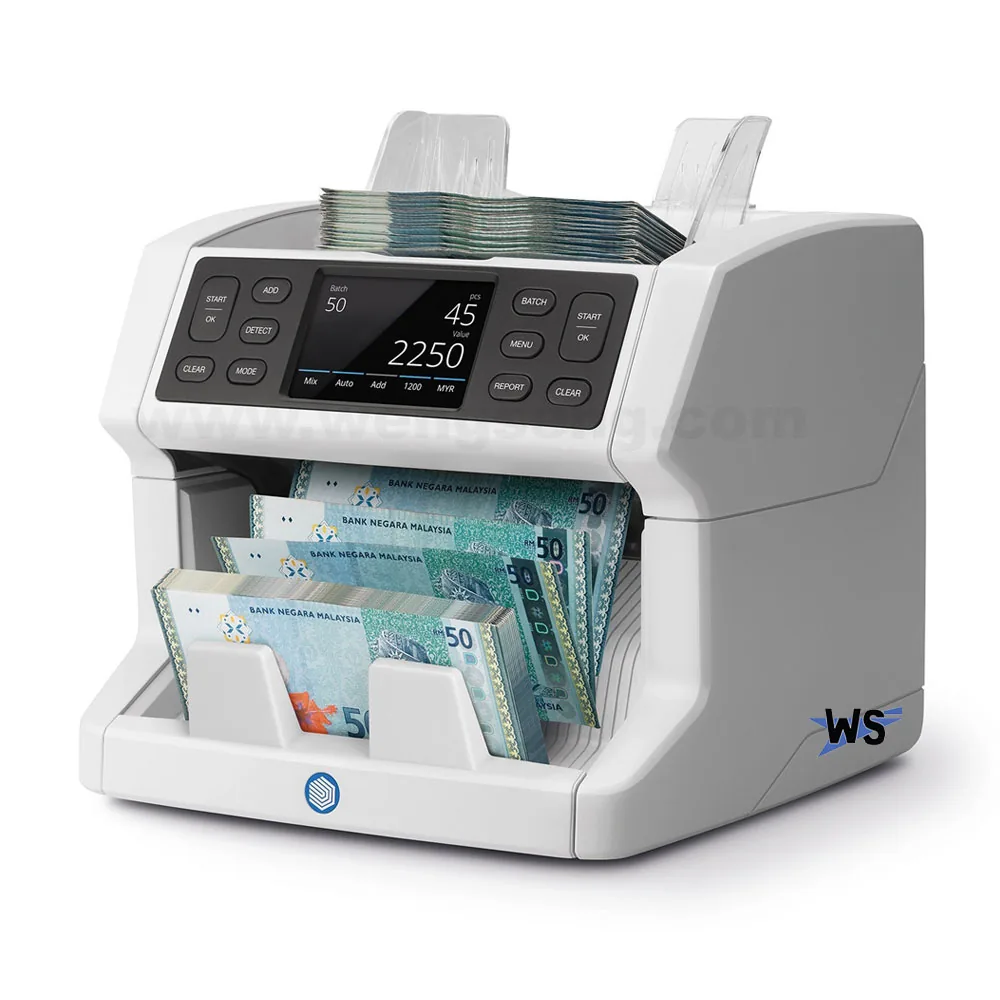
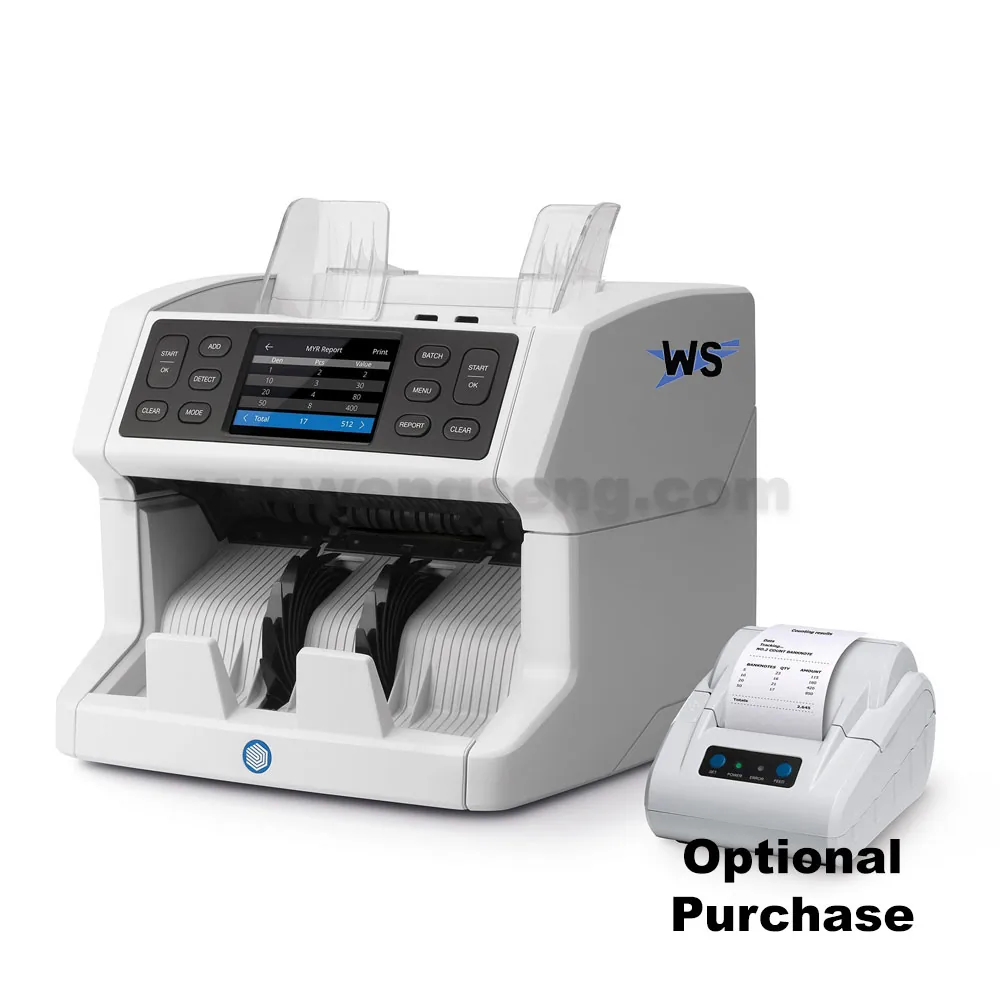
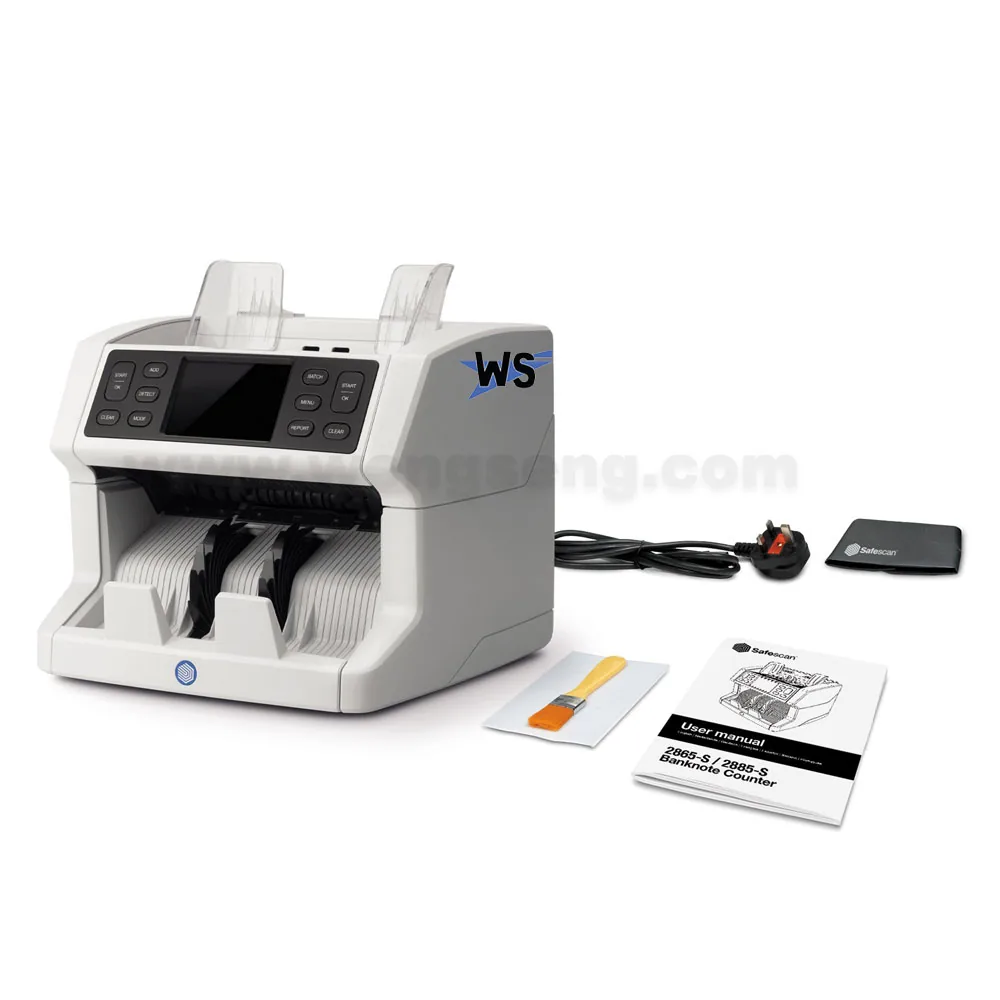
Safescan 2885-S banknote value counter
The Safescan 2885-S banknote value counter value-counts mixed banknotes for installed currencies and includes additional sensors for US dollar counterfeit detection.
Need help choosing? Contact WOW Supplies in Puchong, Selangor.
Features
- Value-counting speed: Up to 1,200 banknotes/minute
- Counting method: Mixed-denomination value counting for installed currencies
- Detection method: UV, magnetic ink, metallic thread, infrared, image, size and thickness
- US dollar detection: Additional sensors for advanced USD checks
- Supported currencies: MYR, SGD, HKD, CNY, JPY, AUD, USD, EUR, GBP; availability depends on installed currency software
More product features and operating details
- Special sensors for advanced US dollar detection
- RAPIDLY COUNT BANKNOTES WITH THE HIGHEST PRECISION Count large amounts of banknotes with complete certainty and ease. The Safescan 2885-S rapidly value counts mixed notes while simultaneously verifying them on up to seven security features. Perfect for when you need to process large stacks of cash quickly. Thanks to its smart design, high definition touch display and intelligent interface in your local language your cash counting will be easier, faster and more accurate than ever.
- ACCURATELY VALUE COUNT MIXED NOTES Rapidly value count up to 1.200 banknotes per minute. The Safescan 2885-S can value count mixed notes for all pre-installed currencies as well as count sorted banknotes for any other currency. Simply place your banknotes on the Safescan 2885-S and it will automatically recognize which currency it is. You can even count up to three currencies at the same time using the multi-mix mode. Whenever a new banknote is released, you can easily update your Safescan 2885-S for free by downloading the update from the Safescan website.
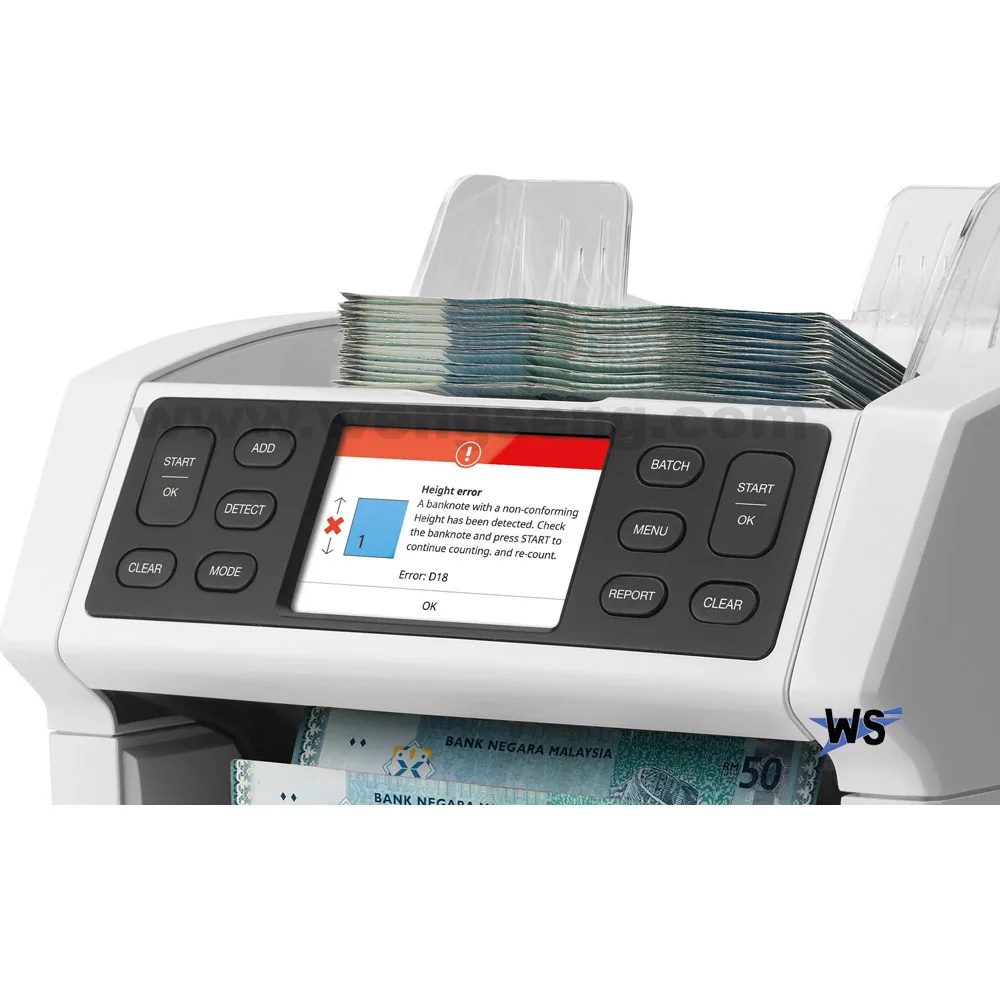
- VERIFY YOUR BANKNOTES WITH ADVANCED SENSOR TECHNOLOGY Protect yourself and your business against counterfeit money with the Safescan 2885-S. Thanks to its smart design and advanced double CIS sensor technology, it can verify banknotes on up to seven security features including ultraviolet ink, infrared ink, magnetic ink, metallic thread, image, size and thickness. When the 2885-S encounters a suspected counterfeit, it will present an audio and visual alarm to notify you. Simply remove the suspected banknote from the stack and press start to resume counting. The Safescan 2885-S is regularly tested at different central banks with the most sophisticated counterfeits to evaluate detection of the tested counterfeits.
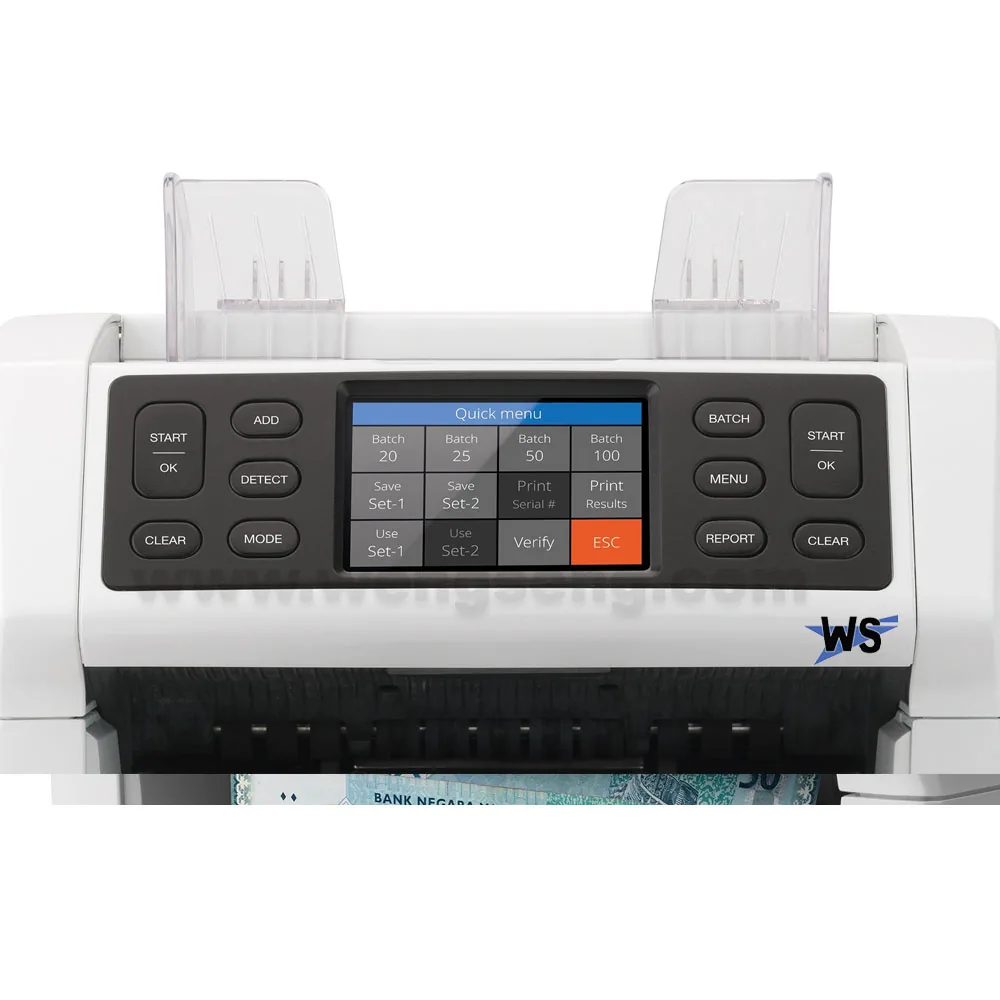
- SAVE TIME WITH AUTOMATED FEATURES Thanks to its front-loading hopper you can keep adding notes to the Safescan 2885-S while it is counting. Besides continuous feeding, the Safescan 2885-S has multiple automated features to make your counting process easier. Use the add feature to automatically add up the amount of notes counted across different runs and use the batch function to create equal stacks of banknotes. You can even save your own personal pre-sets. Simply choose the preferred feature and let the 2885-S do all the work.
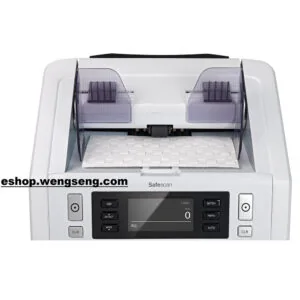
- EASILY NAVIGATE BETWEEN FEATURES Easily navigate through different features and currencies. Thanks to its high resolution full colour touch display and innovative user menu in your local language, you can operate all features on the Safescan 2885-S with just the touch of your finger. Follow the instructions for the selected counting mode and currency.
- ENSURE TOP PERFORMANCE When counting banknotes it is possible for dirt and dust to end up in your machine. To ensure that your banknote counter is performing on the highest level, it is important that you clean it when this happens. The Safescan 2885-S is programmed to regularly display a maintenance message to notify you when cleaning is required. You can easily open the top of the Safescan 2885-S and clean the internal sensors using a brush, an air-duster, or Safescan cleaning cards. Your device is clean and ready in just a matter of seconds.
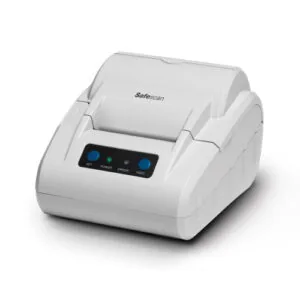
- ELEVATE THE POSSIBILITIES Simplify your cash management by combining the Safescan 2885-S with one of the custom accessories. Easily print your counting results with the Safescan TP-230 printer, or export them to your computer using the Safescan Money Counting Software. You can even share your counting results with your customers in real-time with the Safescan ED-160 external display.
- Banknote value counter that counts mixed banknotes for all pre-installed currencies Pre-installed currencies: MYR, SGD, HKD, CNY, JPY, AUD, USD, EUR, GBP Counts sorted banknotes for all currencies Value counts up to 1.200 banknotes per minute Counts up to three currencies at the same time in the multi-mix mode Rapidly counts banknotes thanks to its large hopper capacity and continuous feeding Verifies banknotes on up to seven security features: UV, MG, MT, Infrared, Image, Size and Thickness Stops counting and presents an audio and visual alarm when a suspected banknote is detected Displays a detailed message when a suspected banknote is detected Automatically starts and stops counting the inserted stack of banknotes Adds up the amount of counted notes across different runs with the add function Shows a complete count overview per currency and denomination Creates equal stacks of banknotes with the automated batch function Scans the tiniest details of banknotes thanks to its double CIS technology Automatically recognizes which currency or denomination is inserted Can store individual pre-sets for even more convenience Top loading hopper capacity: insert up to 500 banknotes per run Stacker capacity: stops counting after 220 banknotes, remove stack to continue Easily operated thanks to 3.5 inch high definition touch screen with quick menu Multi-lingual interface available in: EN, DE, ES, FR, IT, NL, SC, TC, JP Free currency updates available to download whenever a new banknote is released Optional Safescan Money Counting Software for exporting counting results Helps to ensure a long life cycle by displaying maintenance notifications when the device needs to be cleaned Its internal parts can easily be cleaned with a brush or air-duster by opening the top panel Supports internal cleaning with the optional Safescan Cleaning Cards Connects to the optional Safescan ED-160 external display for sharing of counting results Connects to the optional Safescan Money Counting Software for exporting counting results Compatible with the optional Safescan TP-230 thermal printer Power: 110V ~ 240V Dimensions: 25.9 x 25.4 x 25.5 cm Weight: 6.4 kg
Specifications
| Value-counting speed | Up to 1,200 banknotes/minute |
|---|---|
| Counting method | Mixed-denomination value counting for installed currencies |
| Detection method | UV, magnetic ink, metallic thread, infrared, image, size and thickness |
| US dollar detection | Additional sensors for advanced USD checks |
| Supported currencies | MYR, SGD, HKD, CNY, JPY, AUD, USD, EUR, GBP; availability depends on installed currency software |
| Multi-mix mode | Up to three installed currencies |
| Hopper capacity | Up to 500 banknotes |
| Stacker capacity | Up to 220 banknotes |
See Additional Information for full specifications.
Compatible accessories
Currency support varies with installed software. Contact us to check compatibility with your notes.
Contact WOW Supplies for help choosing a model or compatible accessory.
Product images and videos
Frequently asked questions
Can it count Malaysian Ringgit?
Yes. MYR is in the manufacturer's Malaysia currency package, alongside SGD, HKD, CNY, JPY, AUD, USD, EUR and GBP. Ask WOW Supplies to confirm the software installed on the supplied unit.
Can it count a stack of mixed denominations?
Yes. It value-counts mixed notes for installed currencies at up to 1,200 notes per minute. Multi-mix mode counts up to three installed currencies in one run.
How does it detect counterfeit notes?
It checks up to seven security features: UV ink, infrared ink, magnetic ink, metallic thread, image, size and thickness. A suspected note triggers an audio and visual alarm; remove it and press start to resume counting.
What happens when a new banknote is released?
Currency updates are downloadable from the Safescan website.
Does it sort or reject notes automatically?
No. The 2885-S has no reject pocket, no serial-number scanning and no face or orientation sorting.
How many notes can it hold?
The hopper takes up to 500 notes and the stacker up to 220.
Can I print or record the count?
Yes, with optional accessories. The Safescan TP-230 printer prints the counting results, Safescan Money Counting Software exports them to a computer, and the Safescan ED-160 external display shows them to your customer as you count. Confirm compatibility with the supplied unit.