Description
Epson EcoTank M1140 ink tank printer
The Epson EcoTank M1140 is an ink-tank printer with monochrome output and a4 printing, designed for black-and-white office documents and forms. Its print functions and USB 2.0 connections help you choose a printer that fits your workflow.
WOW Supplies in Puchong, Selangor supplies office equipment for customers in Malaysia. Use model M1140 and product code C11CG26501 when checking availability, delivery, compatible ink and the applicable Malaysia warranty.
Features
- Functions: Print.
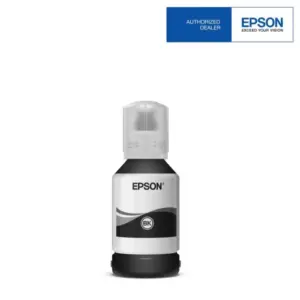
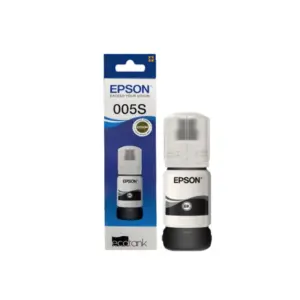
- Refillable ink system: Pigment black in a built-in tank system; use the matching 005 / 005S ink bottles.
- Document performance: Up to 20.0 ipm (black; A4 ISO 24734 simplex).
- Connection options: USB 2.0.
- Two-sided printing: Automatic duplex printing: Yes.
- Paper handling: Input Capacity: Cassette 1: 250 Sheets-A4 / Letter Plain Paper (80 g/m² ); 10-sheets-Envelope; Rear Slot: 1 Sheet-A4 Plain Paper Output Capacity: Up to 100 sheets.
Specifications
| Brand / model | Epson EcoTank M1140 |
|---|---|
| Product code / SKU | C11CG26501 |
| Functions | |
| Print format | A4 printing |
| Ink system | Pigment black |
| A4 document print speed | Up to 20.0 ipm (black; A4 ISO 24734 simplex) |
| Maximum print resolution | 1200 x 2400 dpi (with Variable-Sized Droplet Technology) |
| Connectivity | USB 2.0 |
| Automatic duplex printing | Yes |
| Ink bottle series | 005 / 005S |
| Paper capacity | Input Capacity: Cassette 1: 250 Sheets-A4 / Letter Plain Paper (80 g/m² ); 10-sheets-Envelope; Rear Slot: 1 Sheet-A4 Plain Paper Output Capacity: Up to 100 sheets |
See Additional Information for the complete technical specifications, paper handling, consumables and electrical details. Print speeds and ink yields depend on test conditions and actual use.
Ink, paper and everyday use
Use Epson 005 / 005S ink bottles specified for the M1140. Match paper size, media type and driver settings to the job. This printer produces black-and-white output; colour scans do not make it a colour printer.
Published ink yields refer to the specified replacement ink bottles and testing methodology. Initial setup uses part of the supplied ink, and real yields vary with page coverage, print settings, usage frequency and maintenance.
Ordering in Malaysia
Confirm current stock, delivery arrangements and applicable warranty with WOW Supplies before placing an order. Warranty duration, page limits, registration requirements and service type depend on the exact Malaysian model and Epson terms. Check current drivers for your operating system and the required wireless/network setup.
Enquire with WOW Supplies in Puchong about the Epson EcoTank M1140.
Product views and details
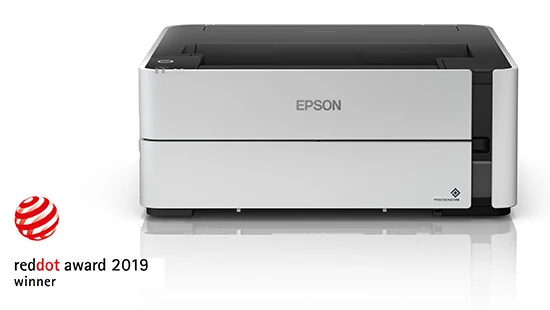
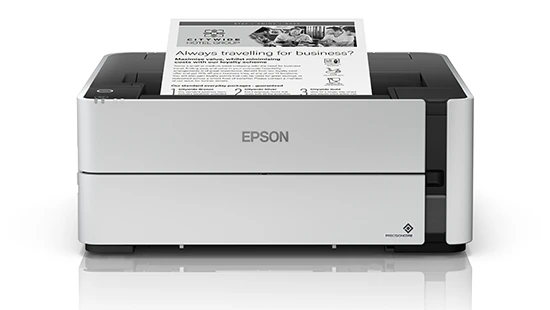
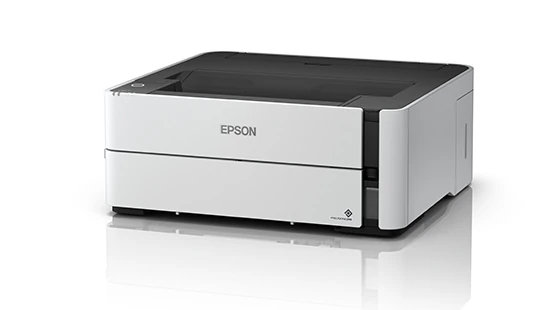
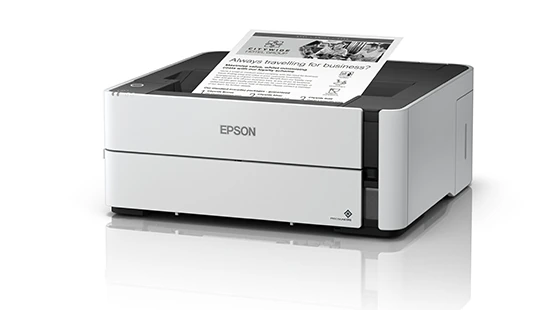
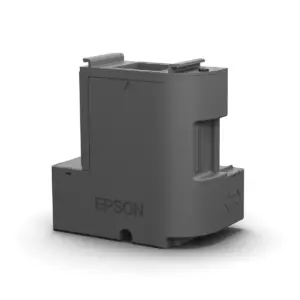
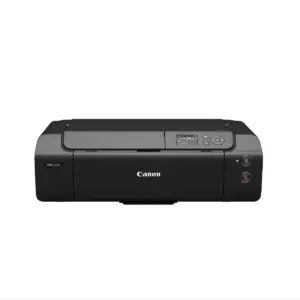
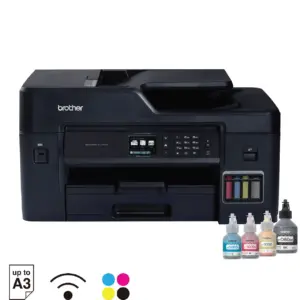
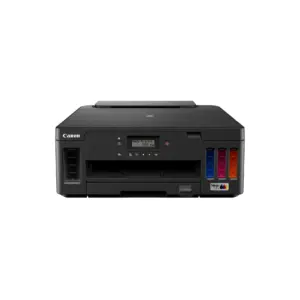
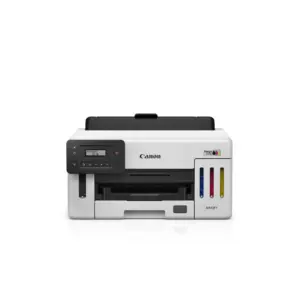
Images show the printer and selected details; pictured paper, ink bottles or accessories do not by themselves confirm the box contents.
Frequently asked questions
What functions does the Epson EcoTank M1140 provide?
Print. The printer supports a4 printing. Refer to the scan area and paper-handling specifications for supported document sizes.
Does the Epson EcoTank M1140 support Wi-Fi?
The listed connection is USB 2.0. Wi-Fi is not listed for this model.
Does the Epson EcoTank M1140 print automatically on both sides?
Yes. Automatic two-sided printing is listed as: Yes.
Which ink bottles does the Epson EcoTank M1140 use?
Use the 005 / 005S ink bottle series specified for this model. It prints in black only. Quoted replacement-bottle yields vary with test conditions, coverage and actual use.
Where can I buy the Epson EcoTank M1140 in Malaysia?
Contact WOW Supplies in Puchong, Selangor with model M1140 and product code C11CG26501 to confirm availability, delivery and the applicable Malaysia warranty.