
Description
- Functions: Print, scan, and copy
- Print speed: 8.8 ipm (mono) and 5.0 ipm (colour)
- Print resolution: Up to 4,800 x 1,200 dpi
- Optical scan resolution: 600 x 1,200 dpi flatbed CIS
- Paper input: 100-sheet rear paper tray
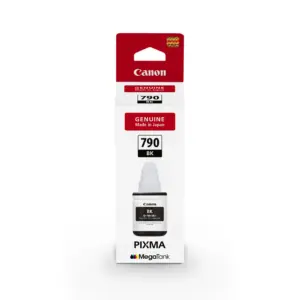
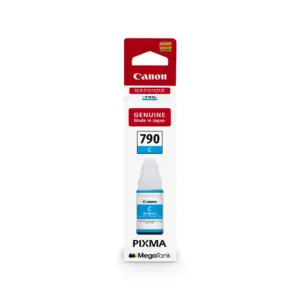
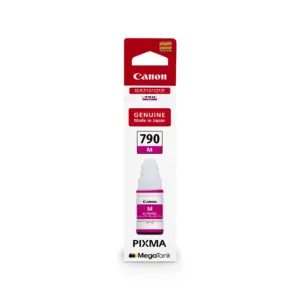
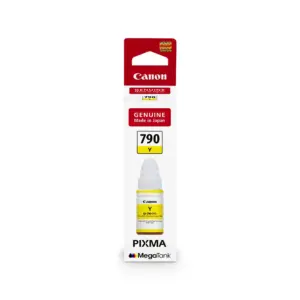
- Ink yield: GI-790 black up to 6,000 pages; GI-790 cyan, magenta and yellow up to 7,000 pages
Integrated Ink System
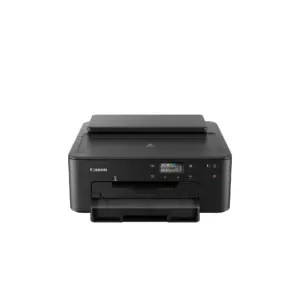
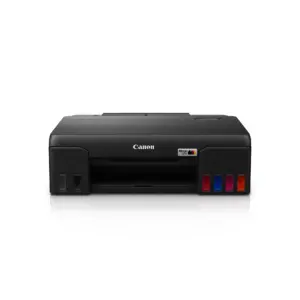
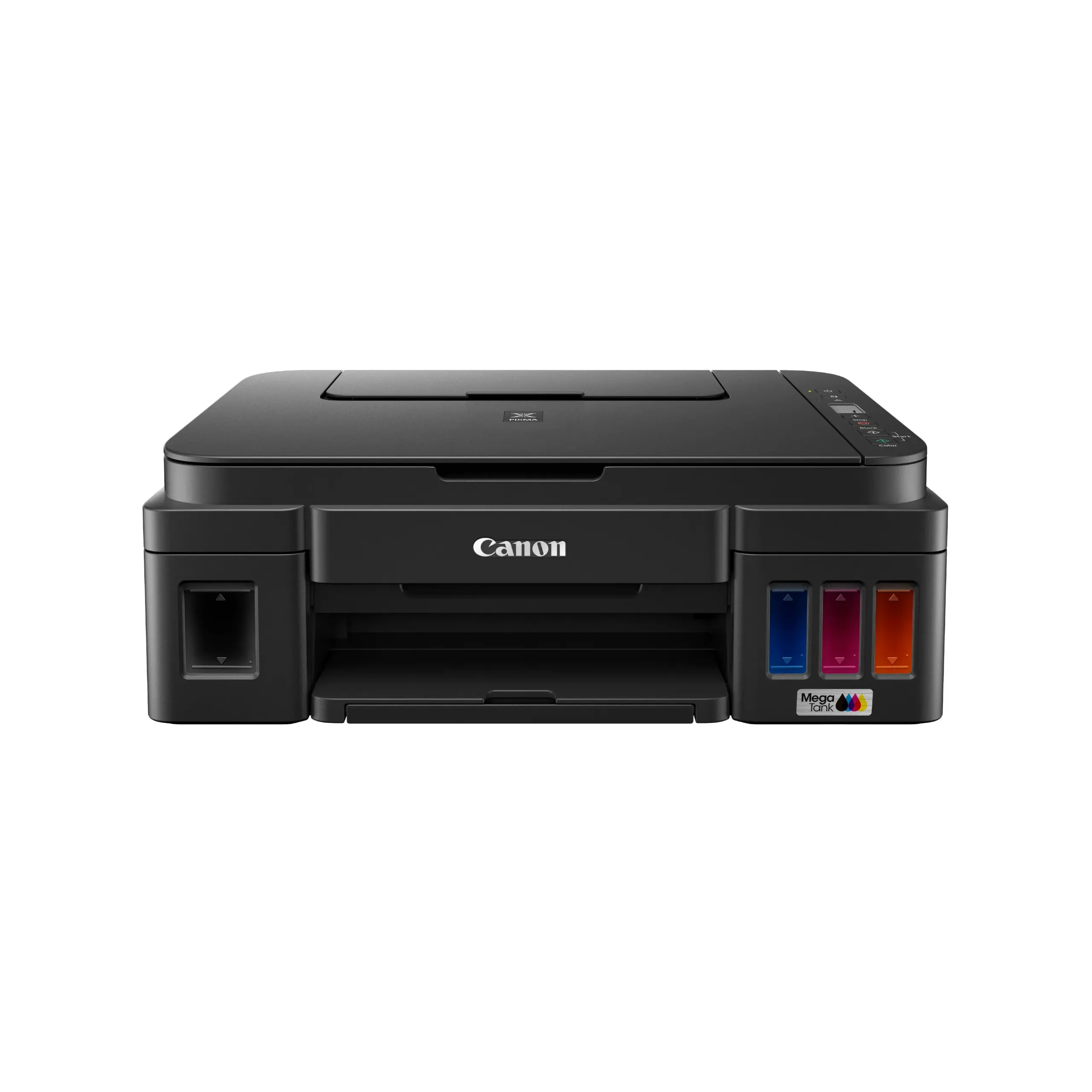
The Canon PIXMA G2010 incorporates built-in, front-facing ink reservoirs that permit operators to monitor remaining supply levels at a glance. The printer utilises dedicated GI-790 ink bottles, combining pigment black for crisp text with dye-based cyan, magenta, and yellow colours. Canon rates GI-790 black at up to 6,000 pages and GI-790 cyan, magenta and yellow at up to 7,000 pages. Bottle nozzles are engineered to minimise spillage during manual refilling routines.
Flatbed Scanning and Media Handling
Equipped with a flatbed Contact Image Sensor (CIS), the unit scans documents up to A4 or Letter size (216 x 297 mm) at an optical resolution of 600 x 1,200 dpi. The copier supports production of up to 20 pages per batch, achieving a colour document copy speed of 1.7 ipm. Media feeding is managed through a rear tray that holds up to 100 sheets of plain paper and accepts various formats, including envelopes and photo media, with borderless printing available up to A4.
Workstation Integration and Controls
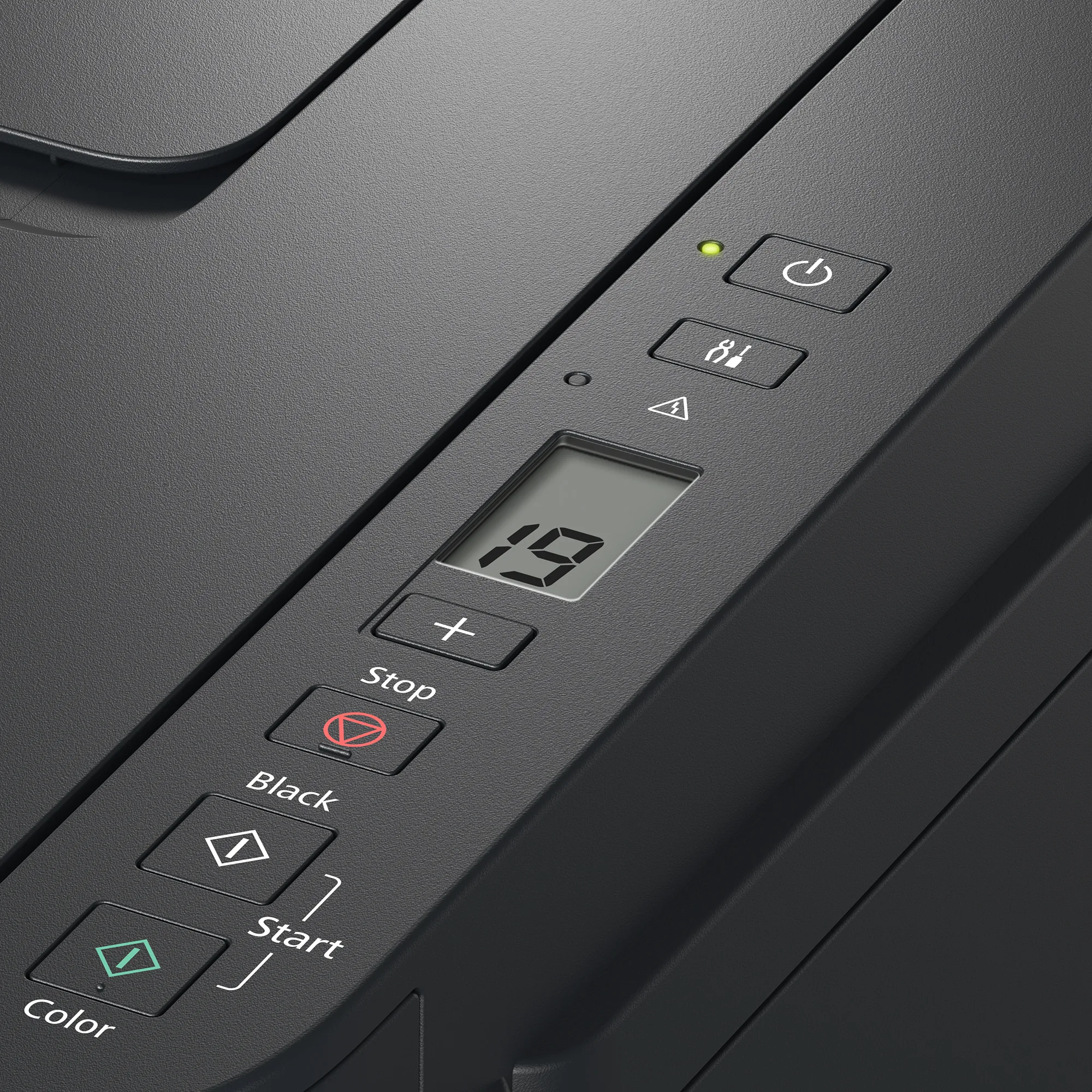
Operational tasks are controlled through a 1.2-inch segment monochrome LCD display positioned alongside the physical control panel. Physical connection is established via a USB 2.0 port for dedicated connection to a single workstation. Driver support is designed exclusively for Windows 10, Windows 8.1, and Windows 7 SP1 operating systems; Apple macOS is not supported.
Compact Footprint and Warranty Information
The chassis measures 445 mm wide, 330 mm deep, and 163 mm high, weighing approximately 6.3 kg for practical desktop deployment within office environments with recommended monthly print volumes of 150 to 1,500 pages. The product includes a 2-year in-house warranty or 20,000 pages, whichever comes first. Purchasers must register the machine with Canon Malaysia within 14 days of purchase at https://ylwc.canon.com.my to receive warranty coverage.